

Fraud Alert: 100 Crore Passwords Were Stolen Last Year. Yours Is Probably among Them
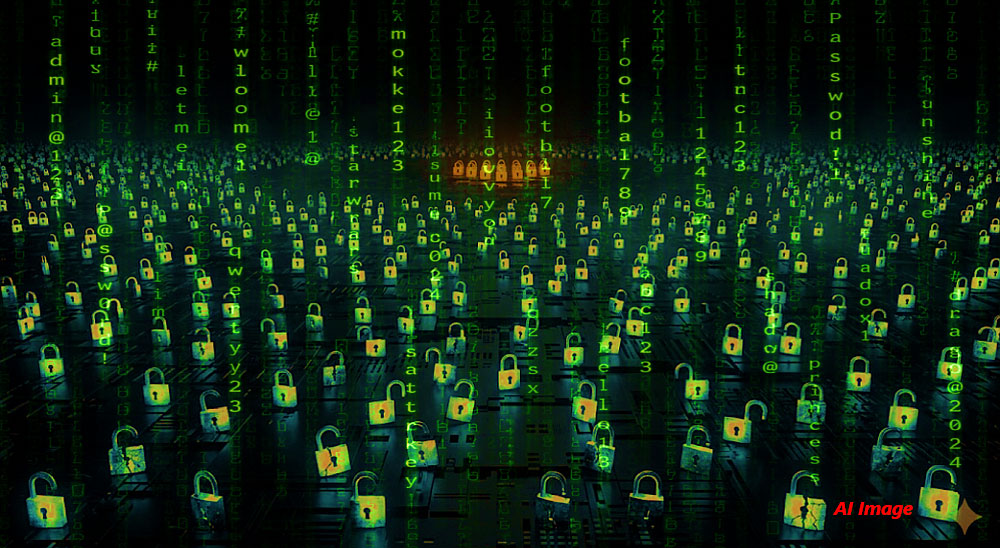
More than one billion (100 crore) credentials were harvested by malware in the past 12 months alone. That figure does not include credentials stolen through phishing, data breaches or social engineering — only malware. If you have saved passwords in a browser, used the same password on more than one site, or clicked a suspicious link in the past year, the probability that your credentials are already circulating on a criminal marketplace is not theoretical. It is very high.
The Real Problem Is Not Your Password. It Is Your Thinking about Passwords.
Most people believe a strong password is sufficient protection. It is not and cybersecurity professionals have known this for years. The actual vulnerability is password reuse: the habit of using one good password across a dozen platforms which turns a single breach anywhere into a breach everywhere.
Jeramy Kopacko, associate field CISO Americas at Sophos, is direct about it: "Attackers will take advantage of password breaches from popular sites and apps we use as consumers. This is low-hanging fruit to obtain with a strong history of success in cyber-attacks."
Despite sustained efforts by Apple, Google, Microsoft, CISA and Sophos to push stronger authentication, compromised credentials remained the most frequently observed root cause of identity-related attacks last year. The industry has been warning about this for a decade. The behaviour has not changed.
The Passwords You Think Are Safe, Are Not
‘123456’, ‘password’ and ‘qwerty’ are not the problem anymore — most users have moved past those. The top-8 most-used insecure passwords today are 123456, 123456789, 12345678, password, 12345, 111111, qwerty and pass123, and they remain catastrophically common. The greater danger is the passwords users believe are clever: a child's name with a birth year, a favourite phrase with an exclamation mark, or last year's password with a ‘2’ at the end.
Automated cracking tools test billions of combinations per second and are specifically trained on human password-creation habits — names, dates, keyboard patterns and predictable substitutions. A password that took you three seconds to think up takes an automated tool much less time to crack. Even a genuinely long password offers minimal protection if it follows a recognisable structure.
AI Has Changed the Phishing Game Completely
Cybercriminals no longer need technical sophistication to steal credentials. Artificial intelligence (AI) tools now generate highly convincing phishing emails, fake login pages and impersonation messages that are grammatically flawless, contextually accurate and visually indistinguishable from legitimate communications.
Indian victims have lost access to WhatsApp accounts, banking platforms and email after clicking links disguised as know-your-customer (KYC) updates, courier tracking notices and wedding invitations — none of which raised obvious red flags.
The attack sequence is consistent: one account falls, the criminal tests the same credentials on banking apps, shopping sites and email and the compromise spreads within minutes.
Password reuse is not a minor convenience shortcut. It is a structural vulnerability that turns every minor breach into a potential financial catastrophe. This is no longer the work of isolated hackers — it is industrial-scale, automated and relentless.
Your Connected Home Is Full of Open Doors
Smart TVs, CCTV cameras and Wi-Fi routers ship with default passwords. Most users never change them. Each ‘default password’ device on a home or office network is an entry point that bypasses every other security measure the user has put in place.
Malware running silently on a phone or laptop harvests saved passwords, browser cookies and banking credentials without triggering a visible alert — the device appears to function normally throughout. Indian cybercrime units have issued repeated warnings against storing passwords in plain text and sharing one-time passcodes (OTPs), but these warnings have not translated into widespread behavioural change. The gap between knowing what to do and actually doing it is where most cybercrime happens.
The Future Is Already Here — Most Users Are Just Not Using It
Passkeys, biometric authentication and hardware security keys are available now, not on the horizon. Apple, Google and Microsoft have integrated passkey support across their platforms, eliminating passwords entirely for supported services. A passkey cannot be phished, reused, or appear in a credential database because it never leaves your device.
For now, the technology industry has effectively solved the password problem for anyone willing to adopt these tools. The obstacle is not availability — it is inertia, or the user's unwillingness to upgrade to newer solutions.
For platforms that have not yet adopted passkeys, multi-factor authentication (MFA) remains the most important single security measure available: a stolen password becomes useless the moment a second verification layer is in place.
Password Hygiene Is Not Optional — It Is Your Last Line of Defence
A password manager generates a unique, long, random password for every account and stores it encrypted — removing the need to remember or reuse anything. A 16-character passphrase constructed from four or five random words is more resistant to automated cracking than a short password with symbols and numbers and is easier for a human to remember.
Sophos research identifies two consistent problems in observed breaches: passwords that lack complexity or length and passwords reused across multiple services. Both are solved entirely by a password manager. The tool exists, costs little or nothing, and takes under an hour to set up — the only reason not to use one is inertia.
Do These Three Things Right Now
1. Install a password manager and change your five most critical passwords. Start with email, bank account and WhatsApp. Use the manager to generate unique 16-character or longer passwords for each. Do not wait until the weekend—handle the five most critical accounts today.
2. Enable MFA on every financial and communications account you hold. Banking, email, WhatsApp, UPI apps, social media. An authentication app (Google Authenticator, Microsoft Authenticator) is more secure than SMS-based OTP. This takes less than ten minutes per account and immediately renders a stolen password insufficient to access your account.
3. Change the default password on every connected device in your home. Your Wi-Fi router, CCTV system and smart TV all have admin panels. Log in, change the default administrator password to something unique, and note it in your password manager. This closes entry points that most users do not know are open.
World Password Day falls on the first Thursday of May. Treat it as a deadline, not a commemoration!
Stay Alert, Stay Safe!